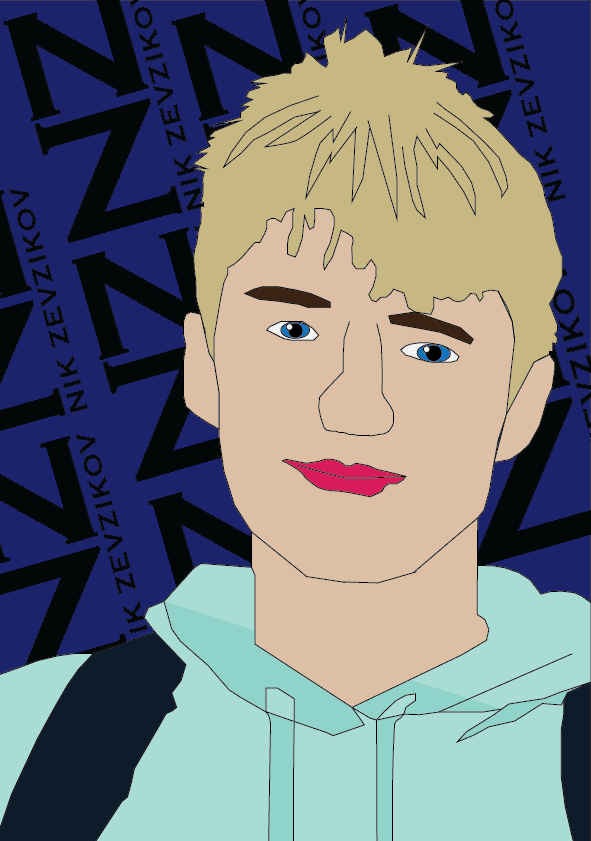
This is my first ever Adobe Illustrator portrait, being new to this software I wasn’t as confident approaching this portrait as I would have been in Photoshop. I feel like I’ve done an okay job in outlining myself, however, there is room for improvement as we can clearly see some parts of the design look rough and need to be tidied up. On the positive note, I feel like I’ve chosen the right colours to create this portrait, I’ve used two shades of turquoise to indicate the shadows on my turquoise hoodie. I’ve decided to fill in an empty background with my personalised name logo’s going across a navy background.
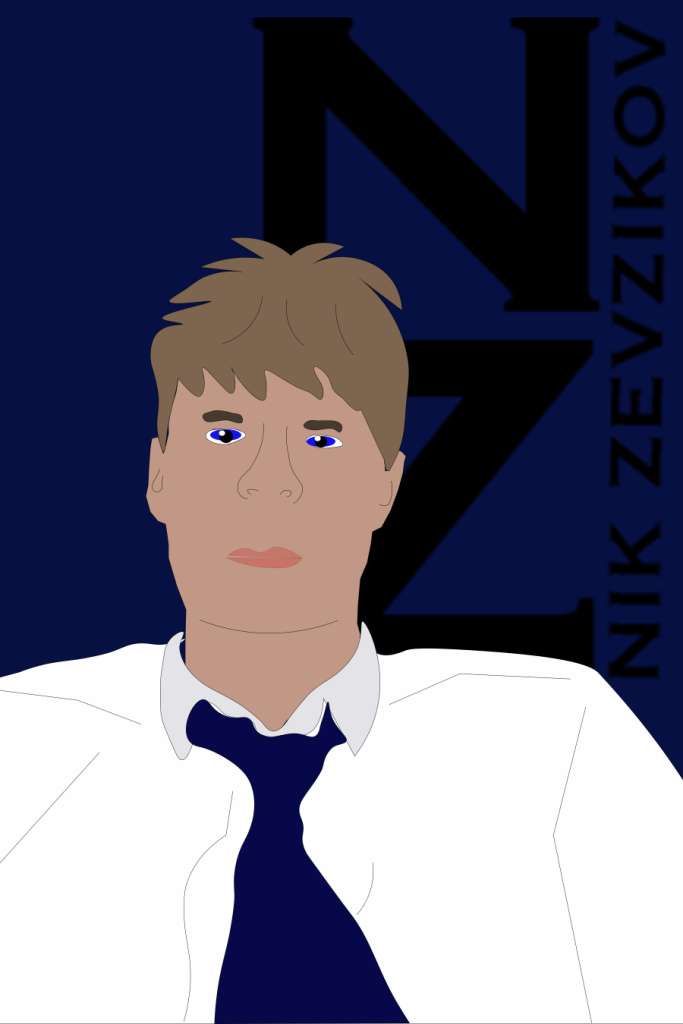
This is my second self portrait in Illustrator, after my previous attempt being new to the software I have gained some knowledge and confidence over time and came up with this illustration of me in a suit. I’ve made sure to add details to the suit such as the collar, making it a darker colour compared to the rest of the suit so it is easily identified. I’ve used navy blue background as it matches the tie I am wearing. I’ve added some details to the suit so that my arms and shoulders are identified. When illustrating the face, I’ve improved since the last illustrator portrait as the details on my face such as the nose were much neater, I’ve also did a better job with the hair making it look more realistic compared to the last illustration. Just like the previous illustration, I’ve decided to add my personalised logo however unlike in my last illustration I’ve used one logo, made it large and placed it behind my illustration on the right hand side portraying my overall identity.